
Film your product once. Get every colour, set and package.
Upload a short clip of your product, add a photo of the new one or pick a set, and check the edit on one frame before you render. We change the product, its colour or the set behind it; people in the clip are never changed.
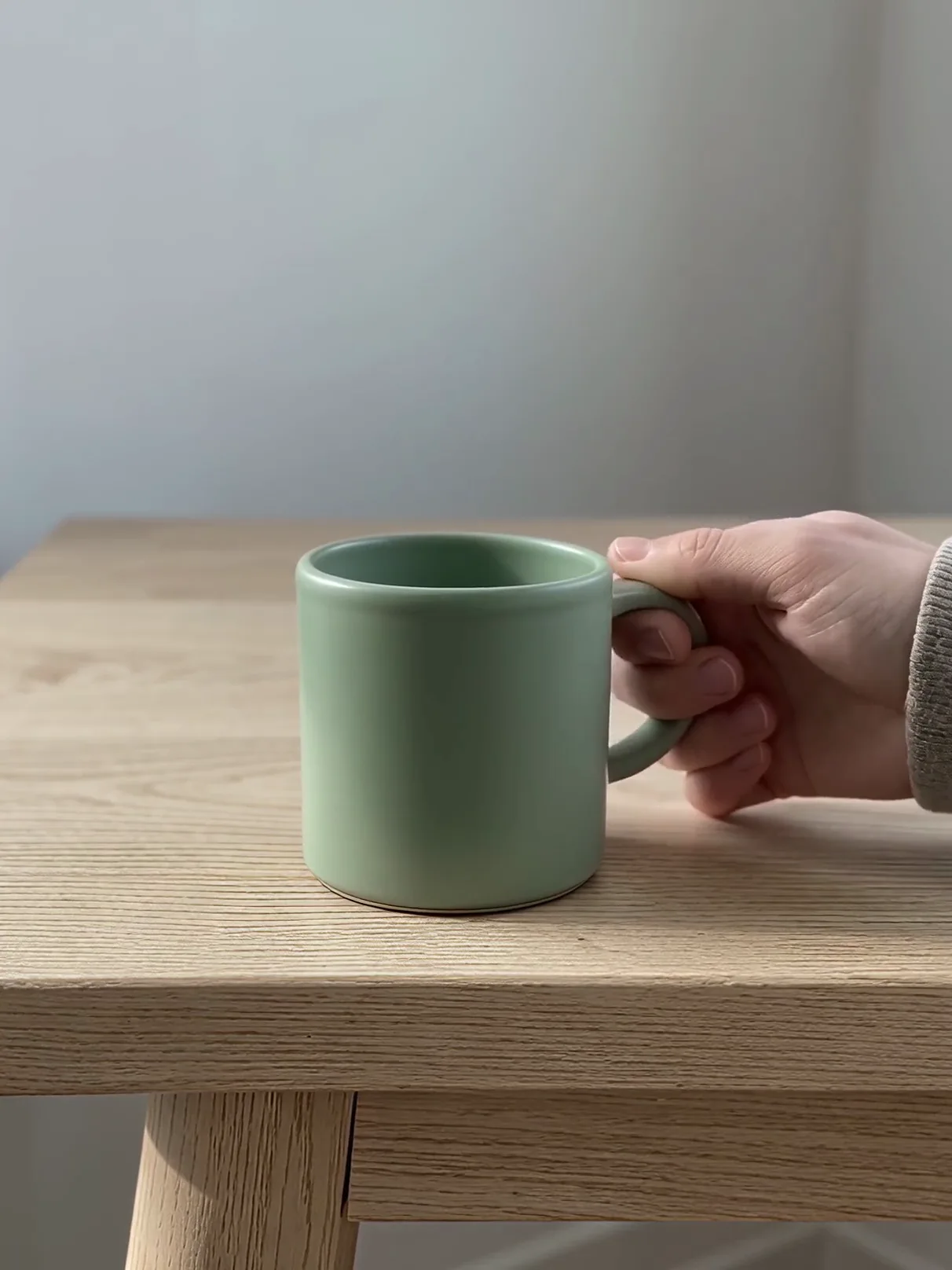
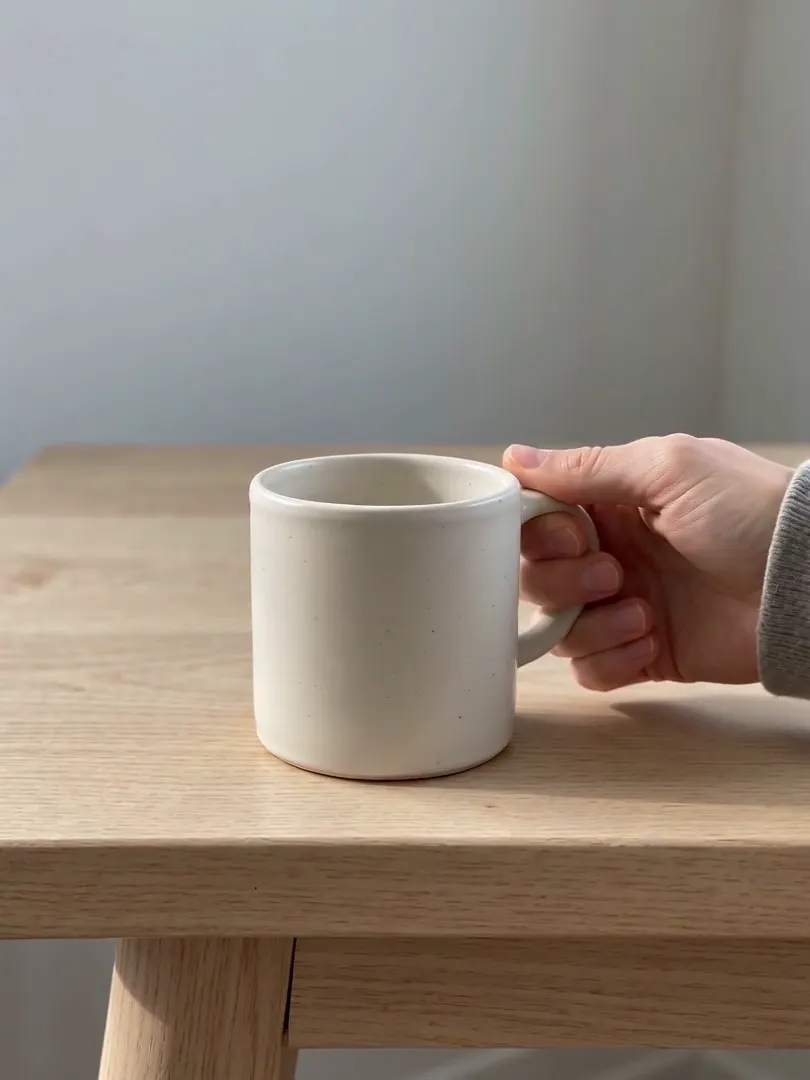
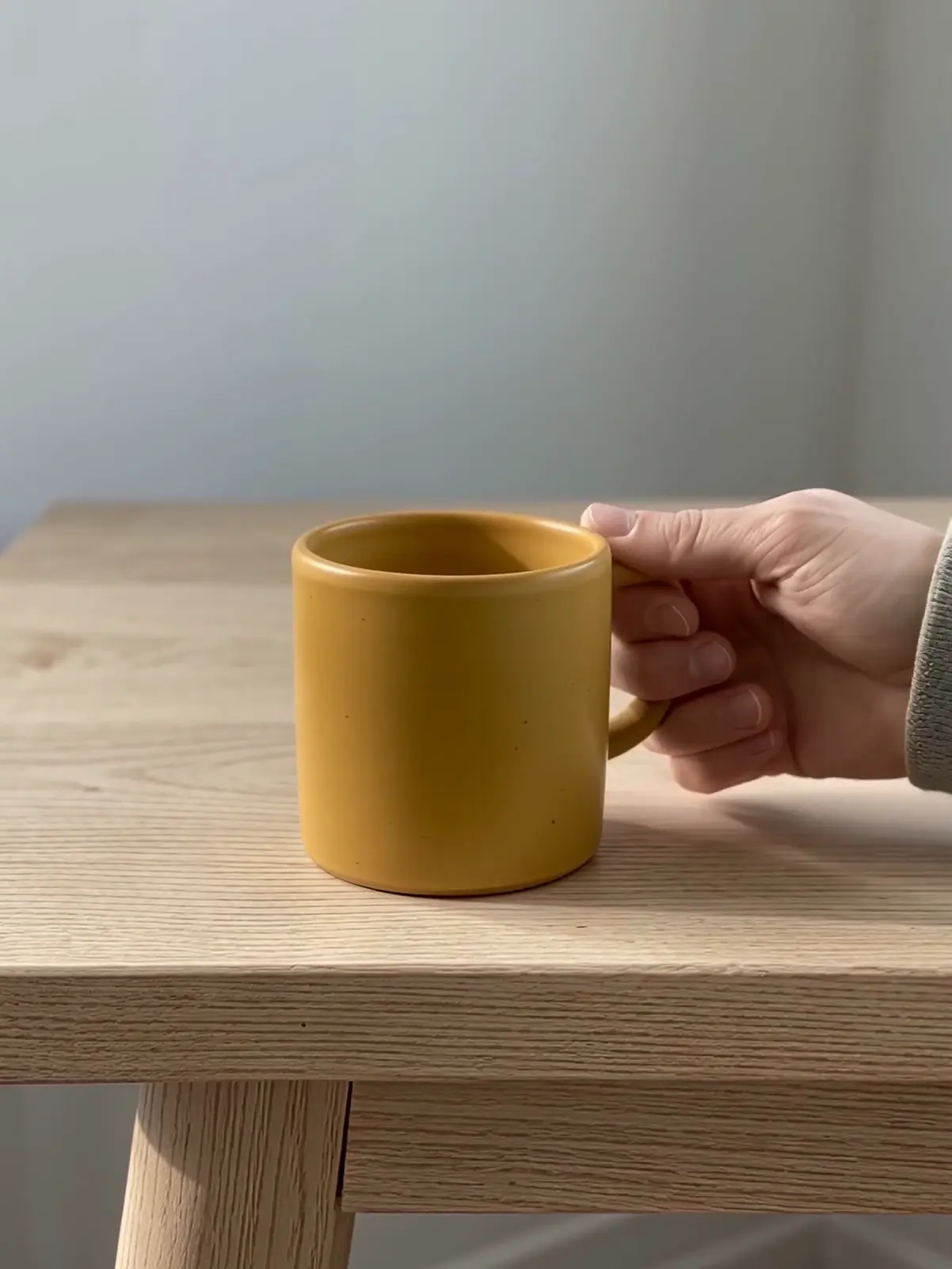
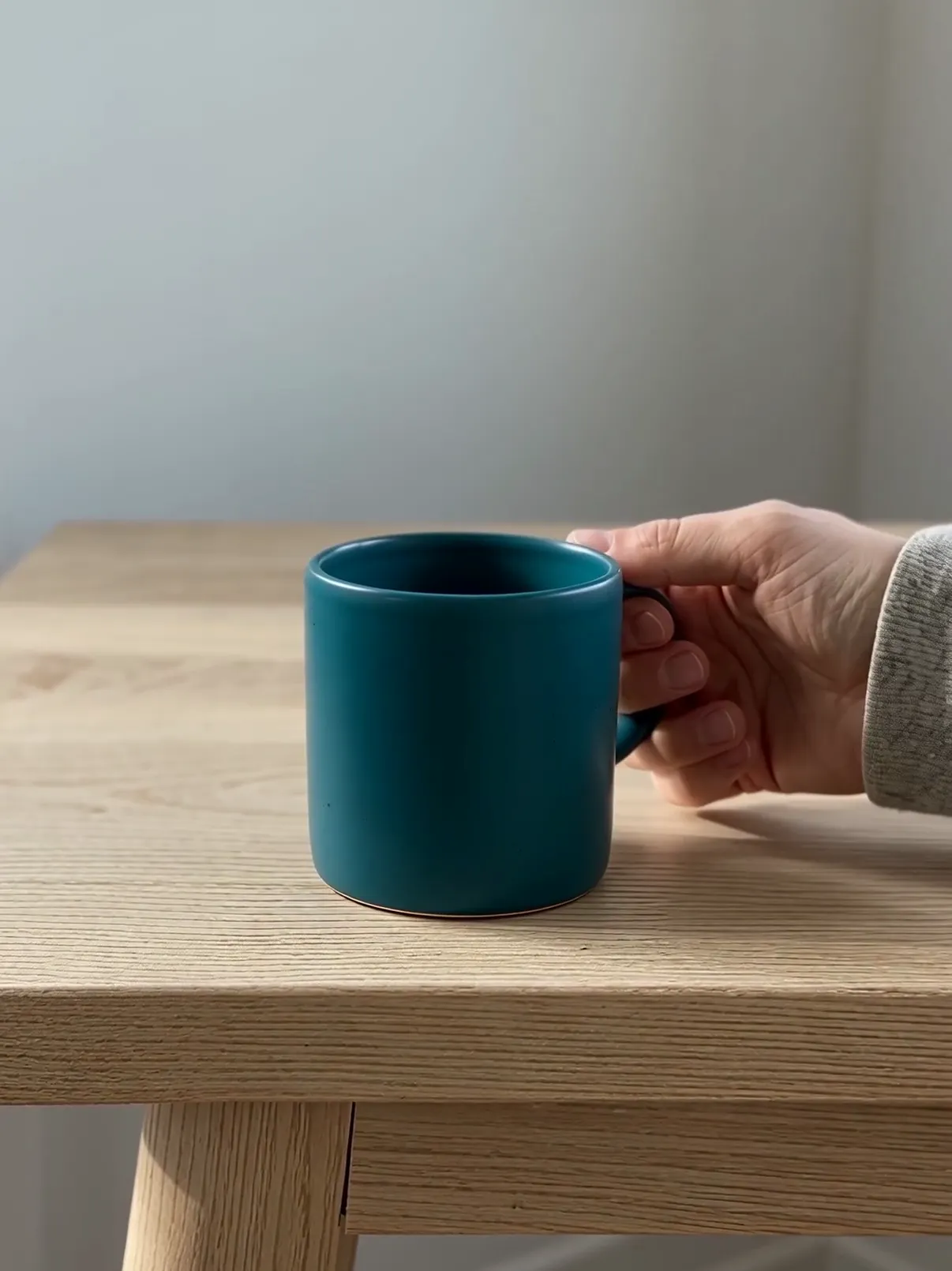
Drop a clip to edit
MP4 or MOV, up to 95 MB. Edits take 3 to 10 seconds; you trim the part next.
Task
One product, plain background, no people. JPG, PNG or WebP, at least 300 px a side, up to 10 MB.
Quality
Output
Point at the product if the shot holds more than one. People in the clip stay as they are.
28 credits once after you confirm your email: one preview frame of your clip.
Real edits
Edits made from one product take
Each one is a real run on our own product clips, with no hand fixes. Drag the divider to compare the original and the edit.
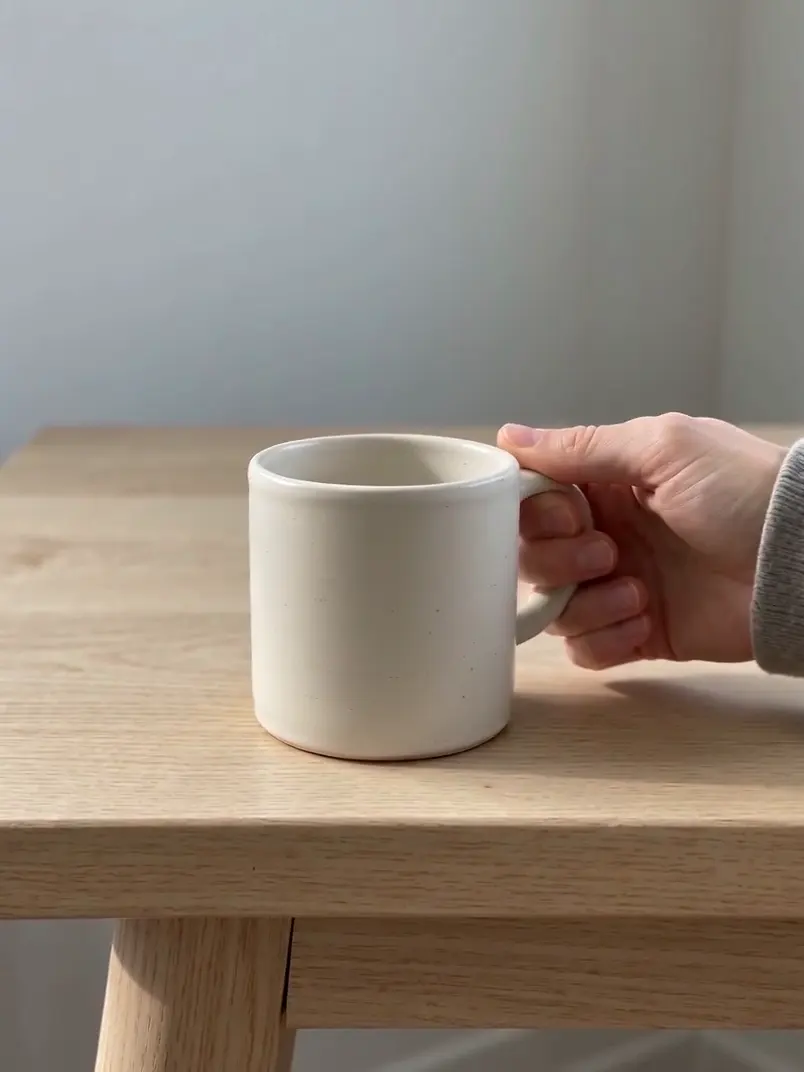
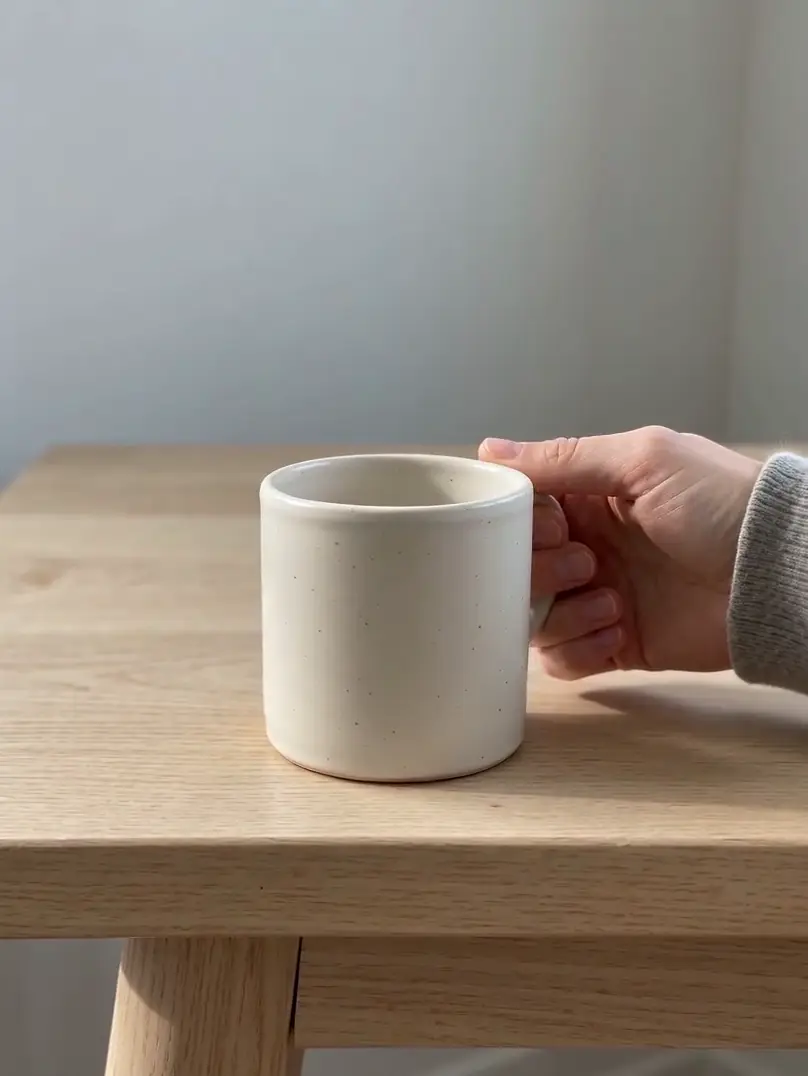
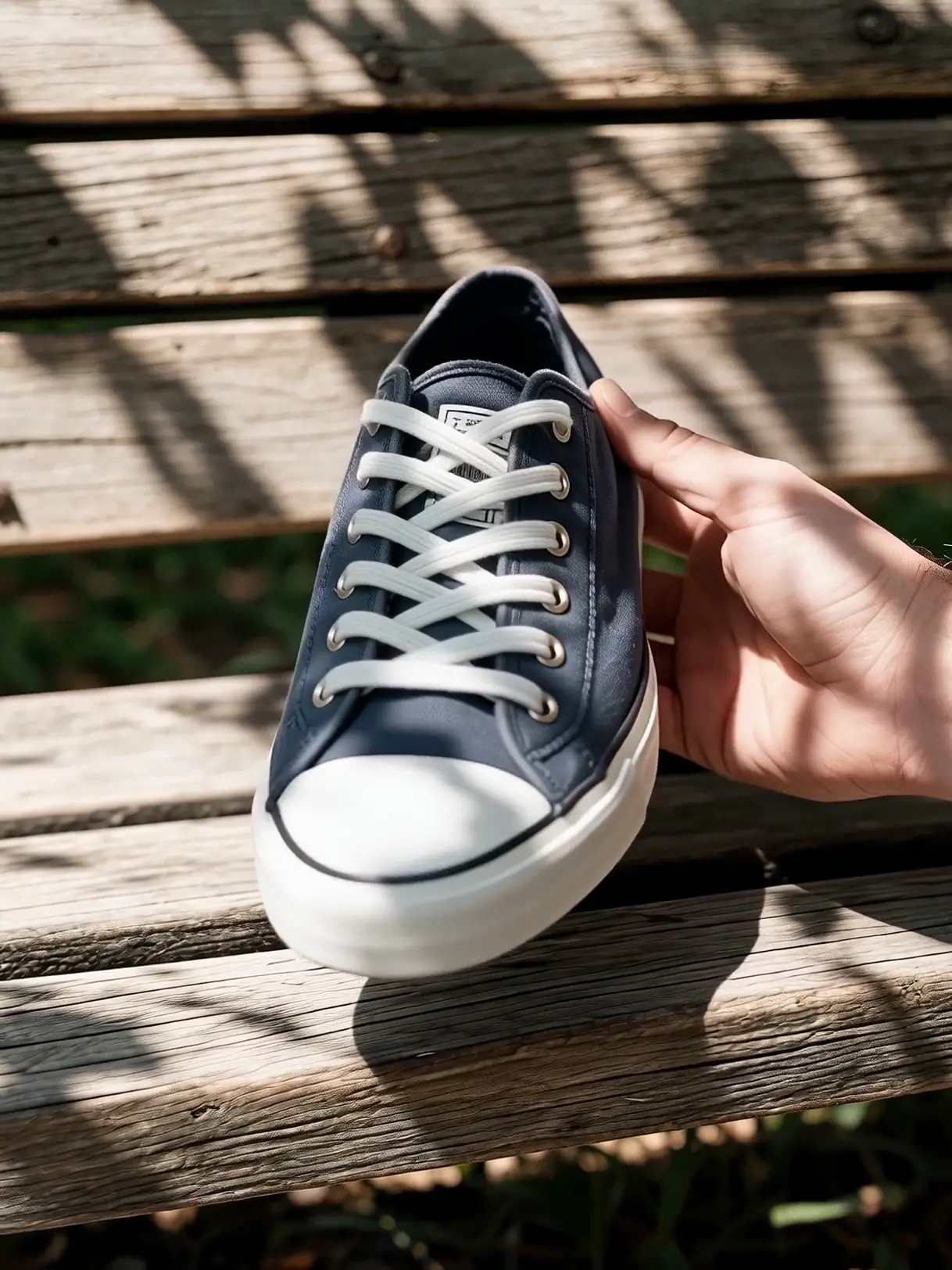
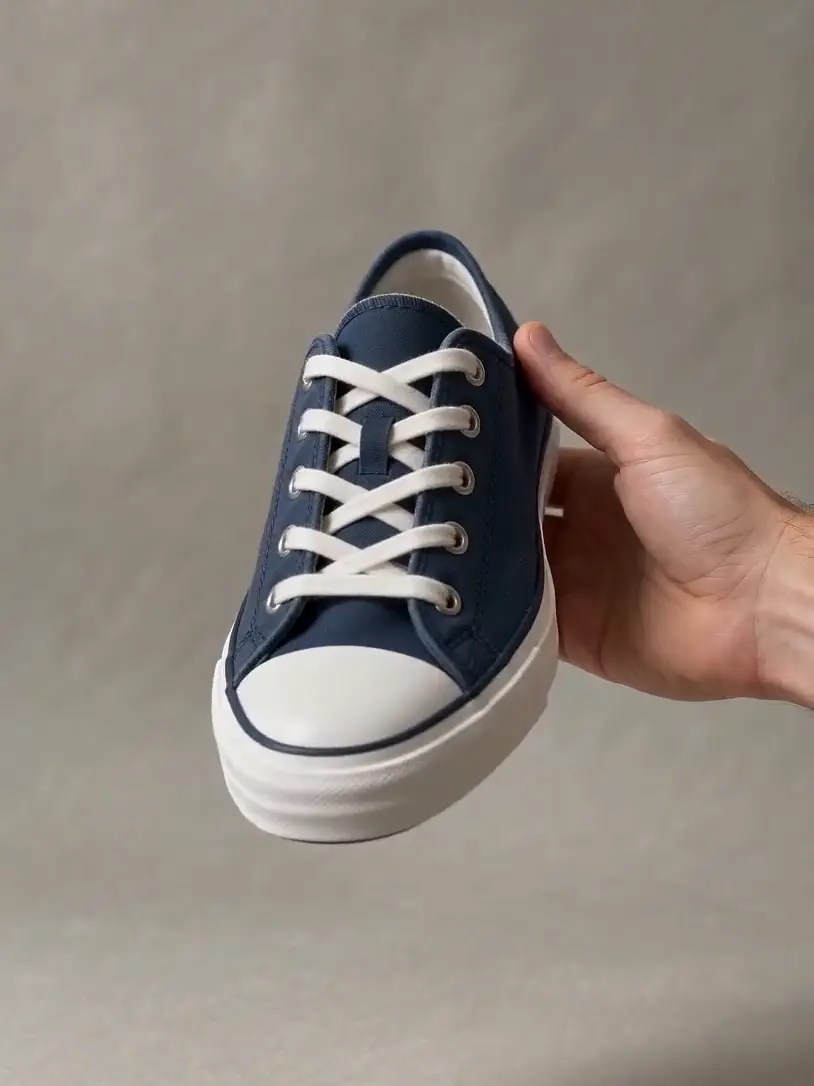

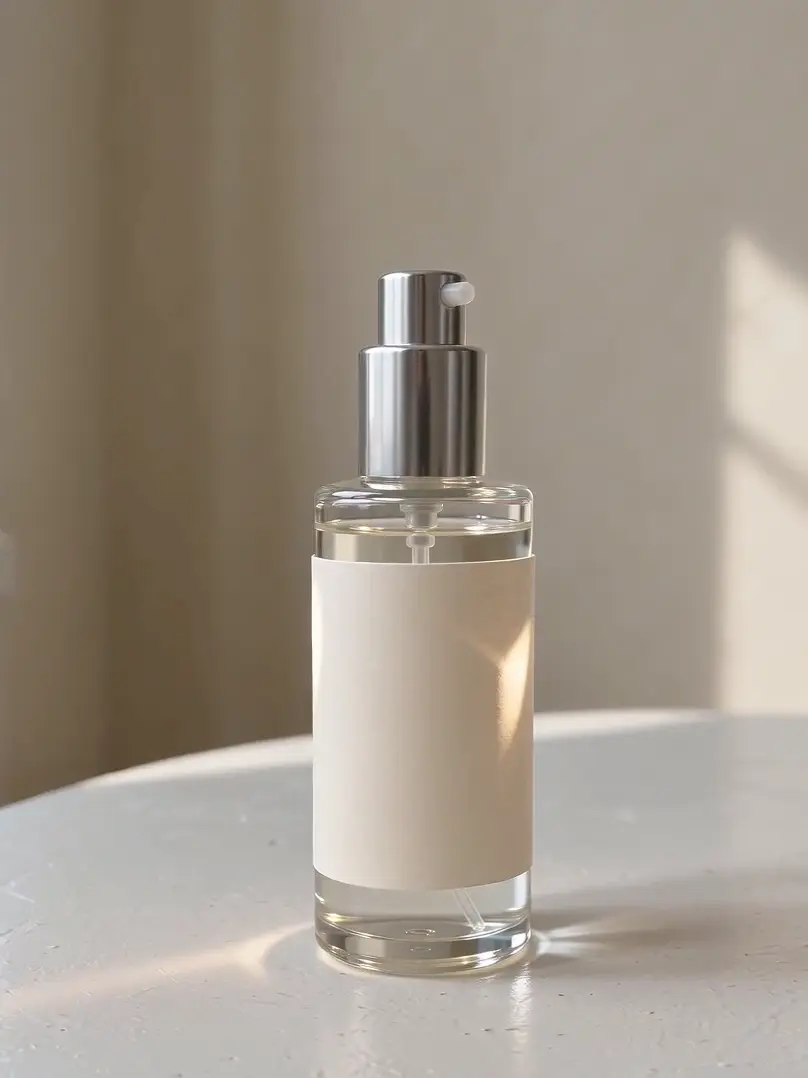
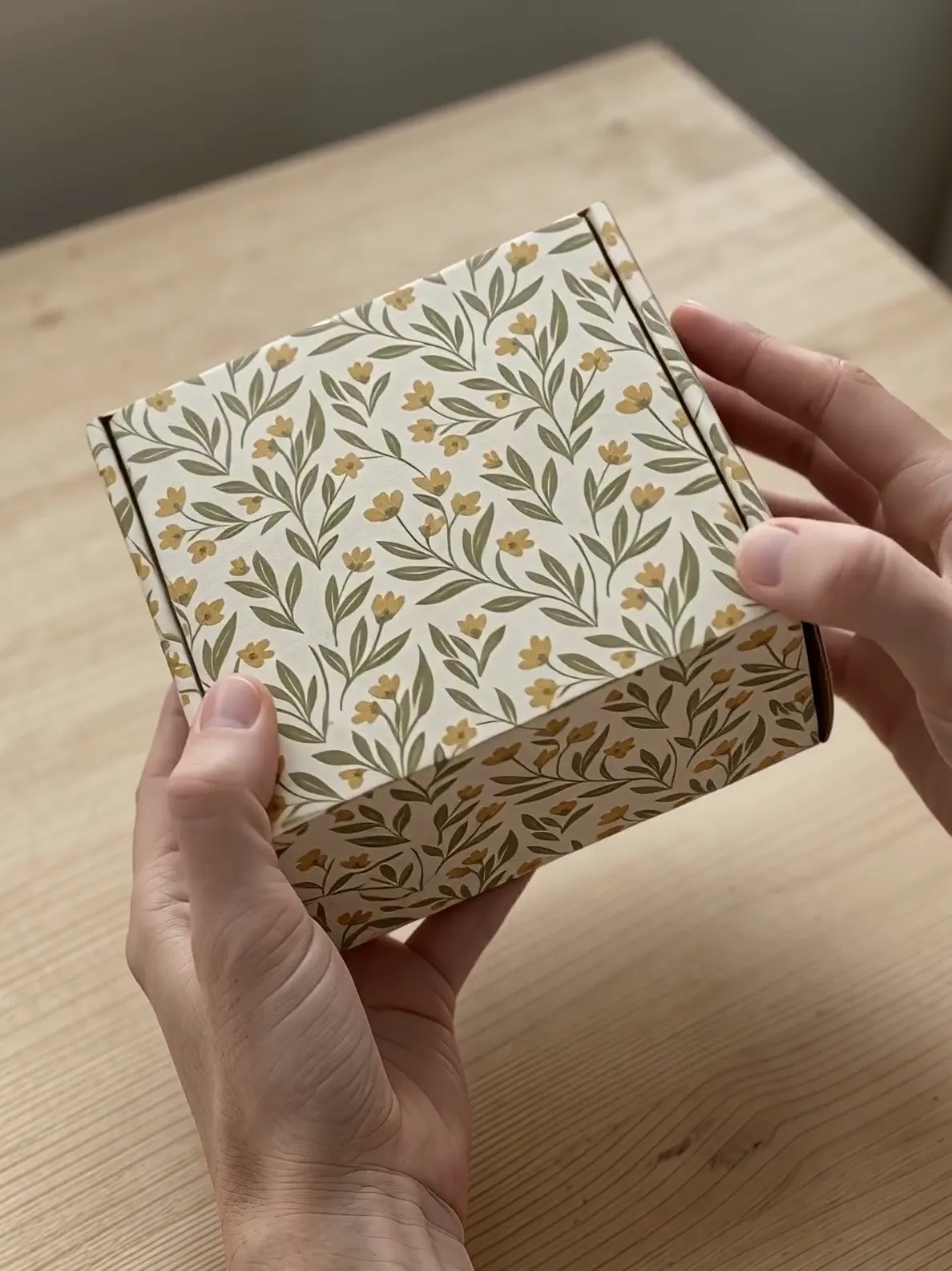
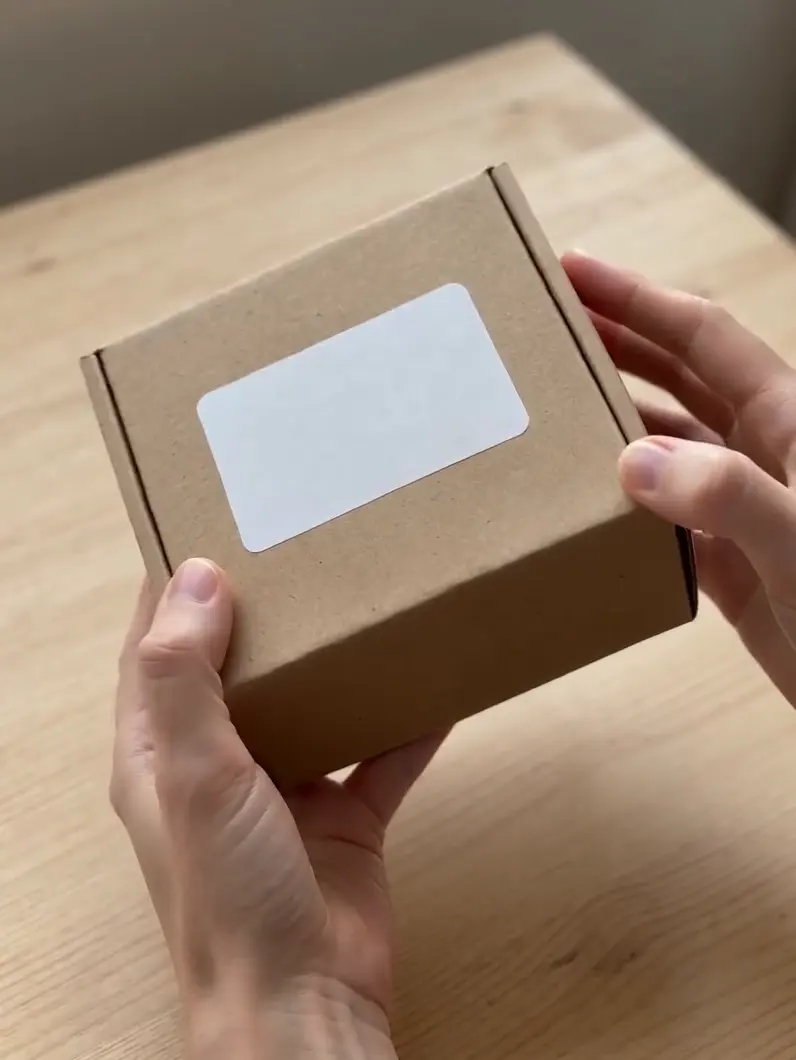
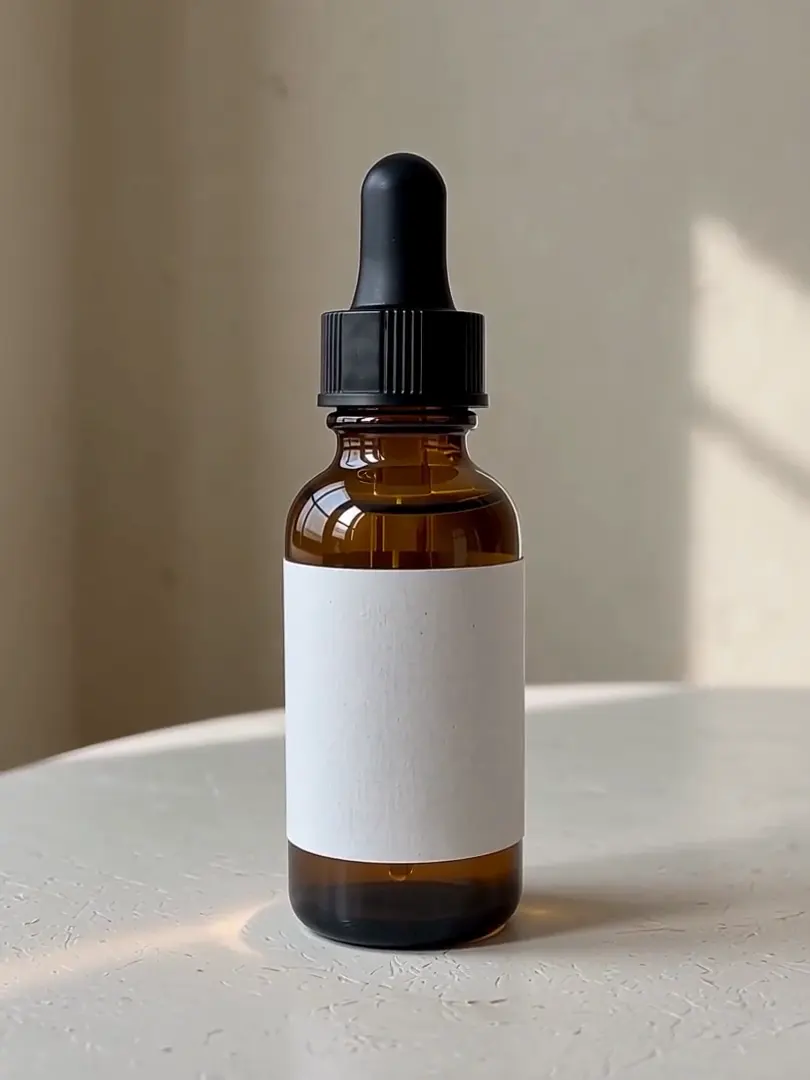
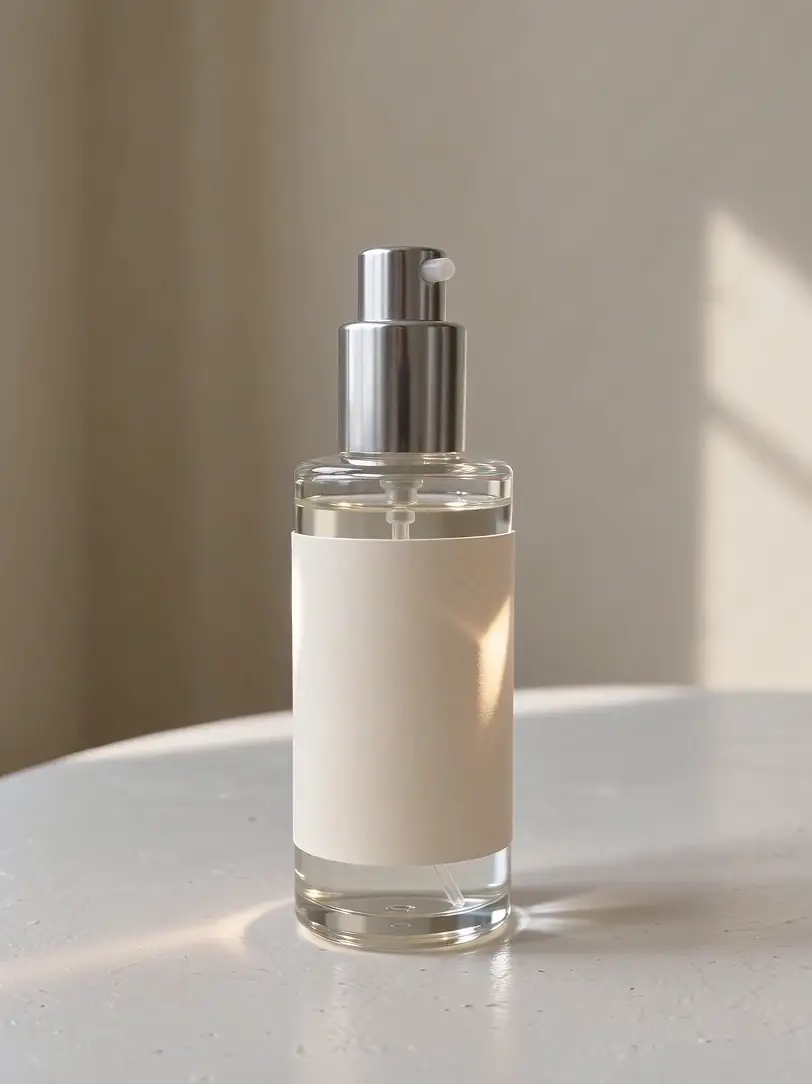
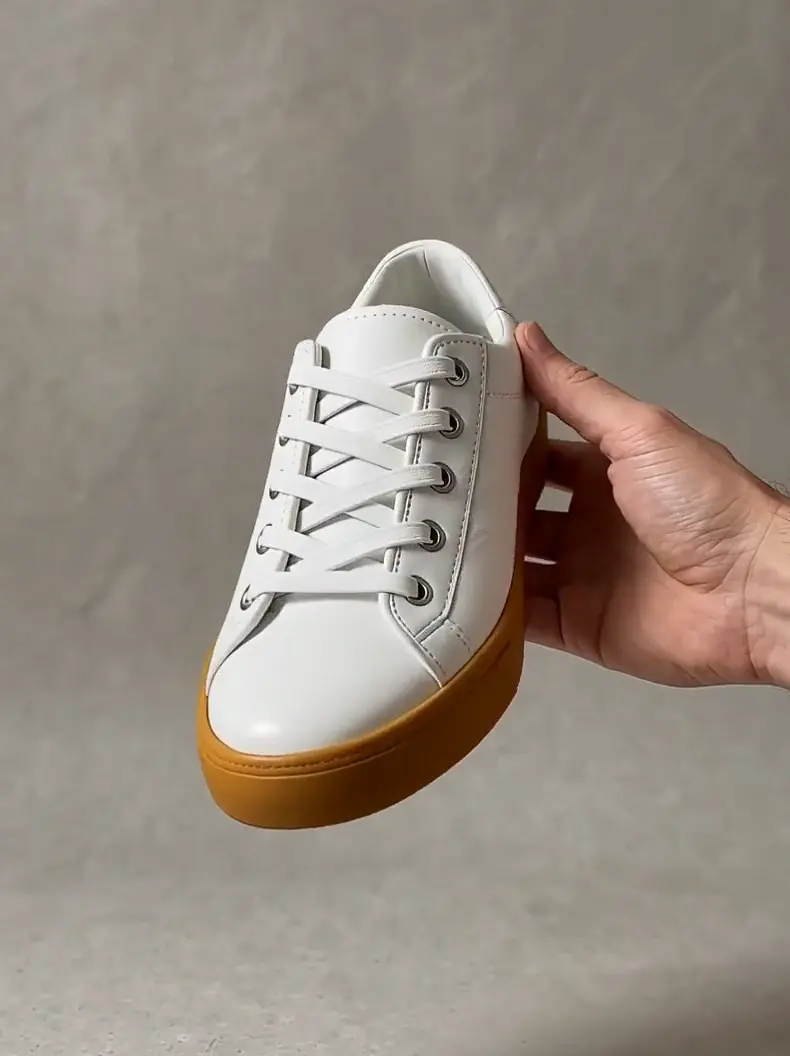
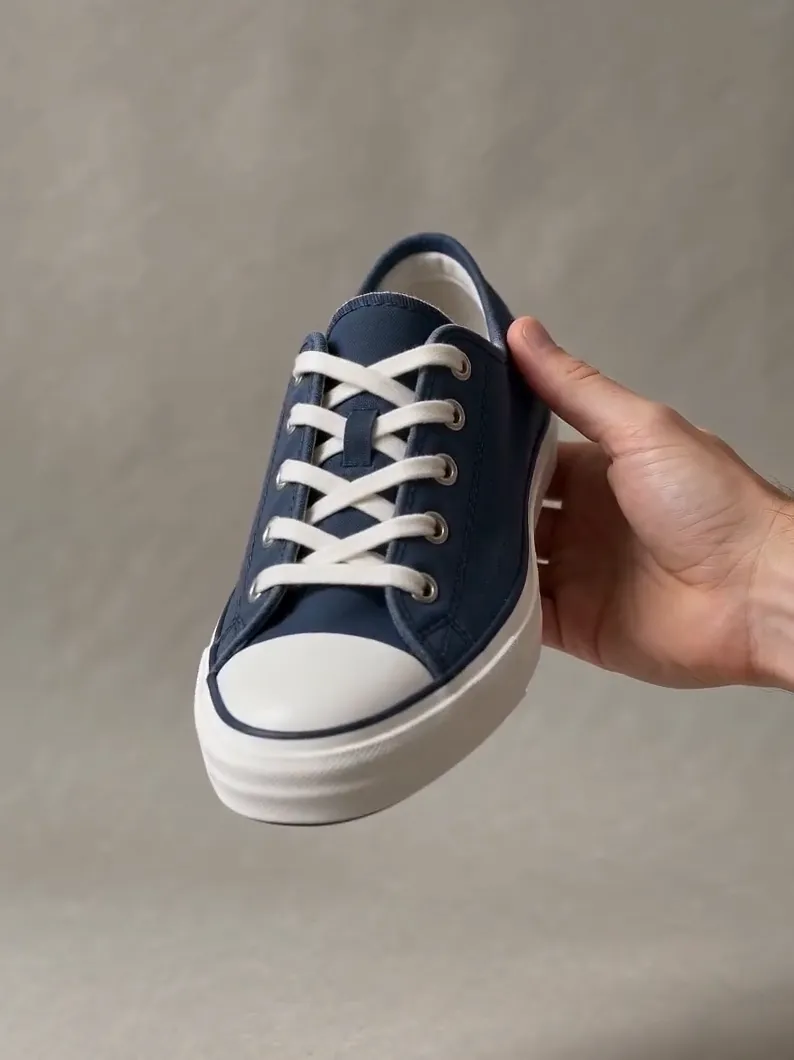
Four tasks
One take, a whole shelf of variants
Each task keeps the hands, the camera move, the timing and the light of your clip. Only the product, its colour, its packaging or the set behind it changes.
- 01
Swap product
Add a photo of the new product and it takes the old one's place, size, angle and motion: this season's bottle in last season's clip.
- 02
Change set
Move the product from your desk to a studio sweep, a marble vanity, a café table or a gift-wrap table, or use a photo of your own set.
- 03
Colourways
Name up to six colours or hex codes and get one render per colour from the same take, each charged and refunded on its own.
- 04
Packaging refresh
Upload the new label or box art as a flat image and it wraps onto the box, bottle or pouch while the clip keeps its motion.
How it works
How to edit a product video with AI in three steps
Trimming, cropping, muting and the variant sheet are free. You only pay for a preview frame or a render.
- 01
Upload and trim the take
Drop an MP4 or MOV of your product in a hand, on a table or on a shelf. Keep the 3 to 10 seconds that sell it; crop to 9:16, 1:1 or 16:9 for the marketplace.
- 02
Pick a task, add the reference
Swap product, Change set, Colourways or Packaging refresh. Add the new product photo, a set or your colours, then check the edit on a preview frame.
- 03
Render, compare, download
Choose Standard or HD and 720p or 1080p; the credits show before you start. Scrub between original and edit, download each variant, or the free variant sheet.
Credits
What a render costs
Renders are priced per second of the part you trimmed and per variant. The total shows on the button before you render.
| Job | Credits | Model |
|---|---|---|
| Preview frame (one still) | 28 | Nano Banana 2.1 |
| Standard render, 720p | 100 per second | Wan 2.7 VideoEdit |
| Standard render, 1080p | 119 per second | Wan 2.7 VideoEdit |
| HD render, 720p | 298 per second | HappyHorse 1.0 |
| HD render, 1080p | 510 per second | HappyHorse 1.0 |
At least 3 seconds are billed per render. Colourways bill each colour as its own render. Failed renders are refunded, and clips or photos the upload check refuses are never charged.
Pricing
Plans for one seller or a brand team
Pick a monthly or yearly plan for a steady catalogue, team seats for a shared pool, or the pack for one launch. Your first 28 credits are free: one preview frame of your own clip.
Sample Shelf
For a seller filming a few products a month
$15.91/month
$190.90 billed once a year
or $19.09 billed monthly
- 4,778 credits a month
- About 9 five-second Standard swaps a month at 720p
- 57,336 credits a year, 4,778 added each month
- Product swap, set change, colourways and packaging
- Free trim, crop, mute and variant sheet
Catalogue Wall
For a shop that refreshes its whole catalogue
$41.24/month
$494.90 billed once a year
or $49.49 billed monthly
- 15,188 credits a month
- About 30 five-second Standard swaps a month at 720p
- 182,256 credits a year, 15,188 added each month
- Product swap, set change, colourways and packaging
- Free trim, crop, mute and variant sheet
- API keys and MCP for your own scripts
Team plans
Billed per seat with a minimum of 2. Every seat tops up one pool the whole team draws from; colleagues come in through an invite link.
Merchandiser Seat
One shared pool for a small brand team
$274.90per seat a year
or $27.49 per seat billed monthly
2 seats: $549.80 in total
- 15,756 pooled credits monthly (7,878 per seat)
- One shared credit pool for the team
- Product swap, set change, colourways and packaging
- Free trim, crop, mute and variant sheet
- API keys and MCP for your own scripts
Credit packs
A one-time purchase that never renews and never expires, for a single launch.
Launch Kit · $57.49
12,756 credits that never expire, about 25 five-second Standard swaps at 720p.
New accounts get 28 credits after the email check, no card asked: enough for one preview frame of your own clip, one grant per mailbox. They never expire.
Refund window: 7 days for monthly plans, 21 for yearly plans and 14 for the pack, provided no more than 10% of the credits went into renders. The unspent share is what comes back.
Questions about the product video editor
What does unividai.com do to my clip?
It changes the product, its colour, its packaging or the set behind it, and keeps the rest of the take. You trim 3 to 10 seconds, pick Swap product, Change set, Colourways or Packaging refresh, add a reference photo or colours, check a preview frame and render the edit as an MP4.
Is this a full timeline editor?
No. unividai.com is an AI video editor for product clips: one task per render, with free trim, crop and mute before it. Cutting a whole ad, titles and music still belong in your timeline editor; bring the edited clips back into it.
Which clips work best?
A steady or slow take where the product is clearly in view and not hidden behind a face or a body. MP4 or MOV up to 95 MB, between 9:16 and 16:9. Hands holding or turning the product are fine; they stay as filmed.
What is a preview frame?
One still from your trimmed clip with the edit applied, for 28 credits. It shows whether the swap, set or colour comes out right before you pay for the video render.
What does a render cost?
Standard is 100 credits per second at 720p and 119 at 1080p; HD is 298 per second at 720p and 510 at 1080p. A 5-second Standard swap at 720p costs 500. Colourways bill each colour. The total shows before you render.
Can it change the people in my clip?
No. unividai.com changes products, never people: no face, identity or body edits, and no making anyone say or do something. Reference photos with faces are refused, and so are requests to remove logos or watermarks.
All questionsMore answers in the help centerEdit product clips from your AI assistant (MCP)
Updated
Have one good take of your product?
Turn it into every colour, set and package you sell, and check each on a frame before you render.